Workspaces & teams
A workspace holds your flows, install key, analytics, and team. You can belong to several, and invite teammates with roles that control what they can do.
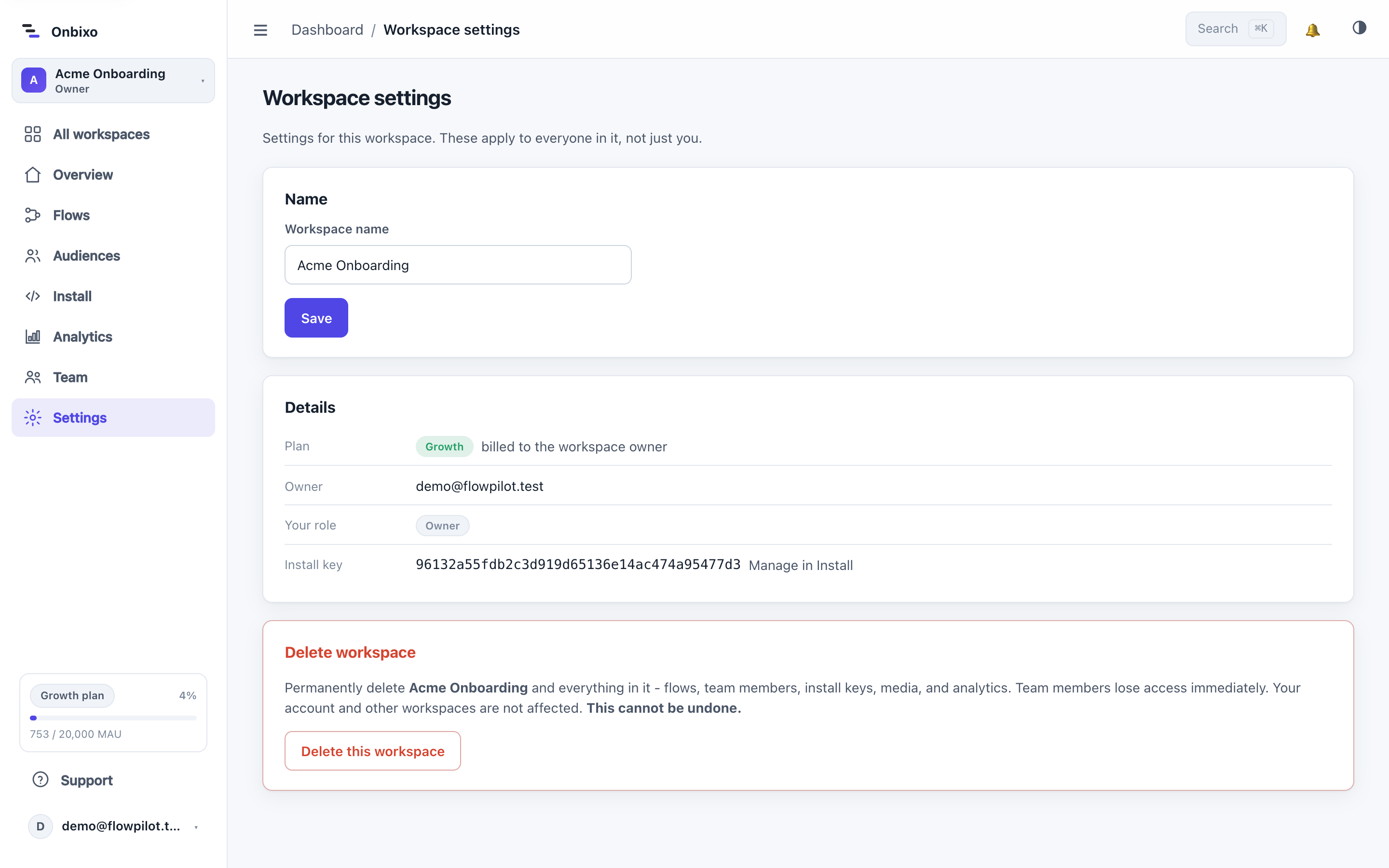
Workspaces
Each workspace is a self-contained container: its own flows, audiences, media, install key, and analytics. Switch between the workspaces you belong to from the top-bar switcher, or create a new one. You can be in many workspaces at once.
Roles
| Role | Can do |
|---|---|
| Owner | Everything, including ownership transfer and deleting the workspace. Billing is tied to the owner. |
| Admin | Manage the team (invite, change roles, remove) and all content. |
| Editor | Create, edit, publish, and archive flows. |
| Viewer | View flows and analytics, but not change them. |
Roles are enforced on the server, so the interface and the API always agree on who can do what.
Managing your team
Under Settings → Team you can:
- Invite a teammate by email (a single-use, secure link). Resend or revoke a pending invite.
- Change a member's role, or remove them.
- Transfer ownership to another member (owner only).
- Leave a workspace you no longer need to be in.
Billing across workspaces
Billing lives with the person: each user has their own plan, and a workspace is billed to its owner. Sharing a workspace never doubles anyone's bill. See Plan & billing.
Deleting a workspace removes its flows and data and cannot be undone. Members keep their accounts and any other workspaces they belong to.
Last updated: Aug 5, 2026