The flows list
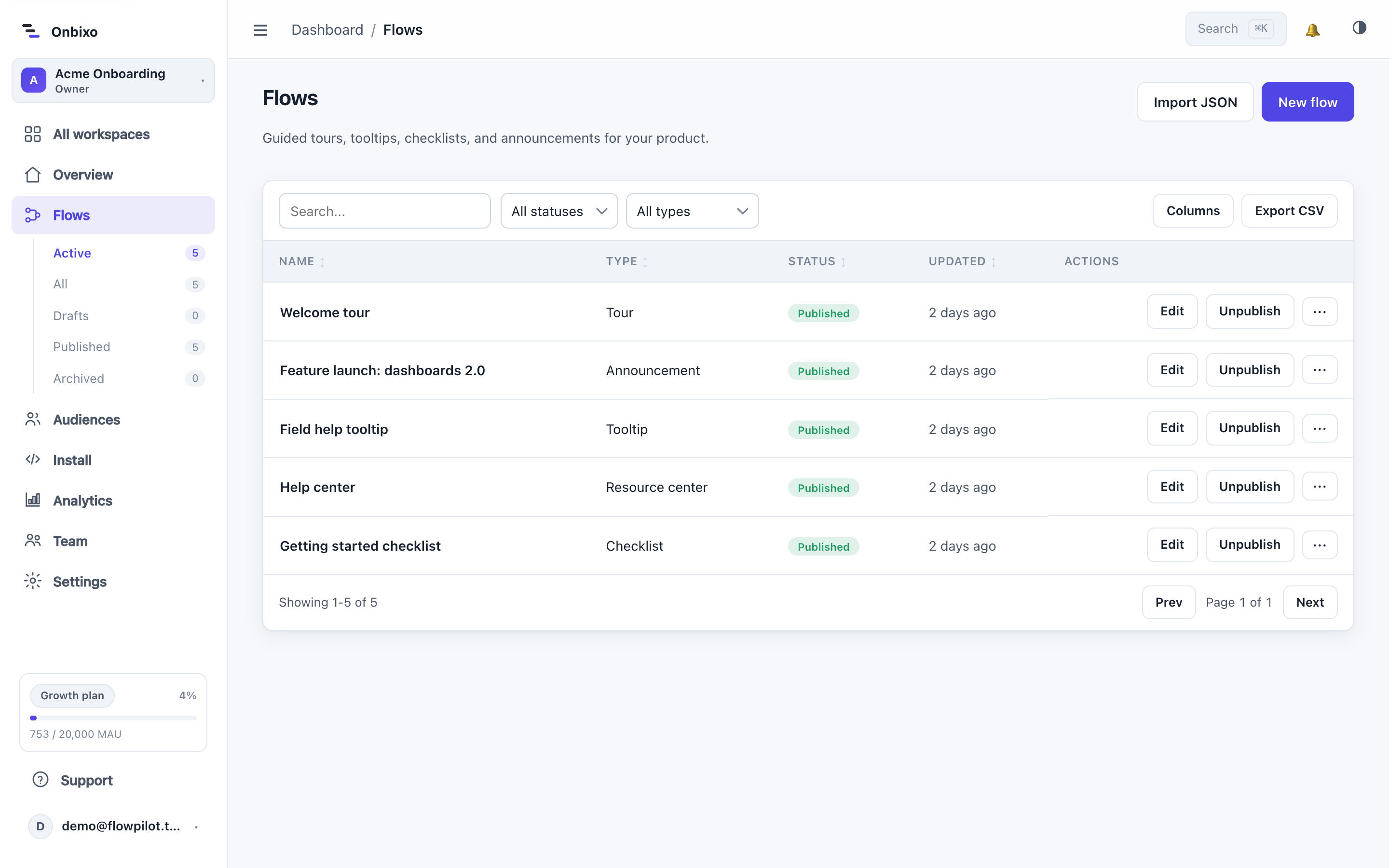
The Flows page is where you create and manage everything you build. Here's every control on it.
Creating a flow
Click New flow, give it a name, and pick a type - Tour, Tooltip, Checklist, Resource center, or Announcement. You can also import a flow from JSON (for example, one you exported or built with the extension). New flows always start as a draft.
Reading the list
Each row shows the flow's name, type, status, and when it was last updated. A resource center shows its type as "Resource center" even though it is built on the checklist engine.
| Status | Meaning |
|---|---|
| Draft | Never published, or newly created. Not visible to users. |
| Published | Live and serving to targeted users. |
| Unpublished changes | Published, but the draft has edits not yet live. |
| Archived | Retired and hidden from the default view, but never deleted. |
Row actions
- Edit - open the visual editor.
- Analytics - jump to this flow's metrics.
- Publish / Unpublish - take the flow live, or pull it down.
- Rename, Duplicate, Archive / Restore, and Delete - from the row's menu.
Full detail on each of these is in Draft, publish, archive.
Filtering, search, and export
Filter the list by status (active, draft, published, unpublished, archived), search by name, and export the list to CSV. Archived flows are hidden unless you filter to them.
The free plan allows up to three published flows. You can have any number of drafts; the limit applies only to flows that are live.
Last updated: Aug 5, 2026