Onbixo is live: no-code product onboarding, at a flat rate
Build onboarding flows in minutes with tours, tooltips, checklists, announcements, and an AI assistant, all with straightforward pricing and no demos required.

Today we are launching Onbixo, a no-code way to build product onboarding: guided tours, tooltips, checklists, a resource center, and announcements, with an AI assistant built in. You ship it all with a single line of code.
We built it because good onboarding had become expensive. The tools that help small teams activate users run into the hundreds or thousands a month, billed by how many users you have, and usually there is a sales call before you can even try one. We set out to do the opposite.
Point at your app to build. Drop one line to ship.
Install the browser extension, open your website or app, and click the things you want to explain. That is the build step. Onbixo remembers those elements even after you redeploy or restyle, so your flows do not quietly break. You set the copy, order, and targeting in the dashboard, paste one snippet into your site, and your flows go live for whoever you pick. Works on React, Vue, Angular, Svelte, or plain old HTML.
Meet OnbiAI - your onboarding copilot, built in
Ask OnbiAI how something works and it answers, or opens the right screen for you. Describe the flow you want and it drafts the steps. It can also write targeting from a sentence, tidy up your step copy, and show you where users drop off. You review everything before it goes live, and OnbiAI is on every plan: asking questions is free, and drafting flows, copy, and targeting uses AI credits from your monthly allowance.
Pricing you can actually read
No usage-metered surprise bills, and no "contact us for a quote." Every plan is a single flat price on the pricing page, capped so you always know what you will pay. There is a free-forever plan to start, with a small Onbixo badge on your flows until you upgrade. You sign up with a card, so you can be live the same day without talking to anyone.
What you can build
- Guided tours - lead a user to the one action that makes the product click.
- Tooltips and hotspots - explain a control right where it is needed.
- Checklists - a getting-started list users can resume any time.
- Resource center - a help widget users can open any time to search answers or replay a flow.
- Announcements - in-app product news, without interrupting.
- OnbiAI - draft flows, copy, and targeting from a prompt, and answer users from your docs.
- No-code targeting and analytics - decide who sees a flow, and measure whether it helped.
We will share what we have learned
Over the coming weeks we will write up what we know about onboarding: how to define your aha moment, when a tour beats a checklist (and when it does not), how to write in-app copy people actually read, and the engineering behind a runtime that stays out of your way. Useful whether or not you use Onbixo.
Ready to try it? Start free, or read the quickstart and ship your first flow in a few minutes.
New posts on activation, pricing, and the product - roughly twice a month. No spam, unsubscribe anytime.
 Activation
Time to value: the median and the users who never got there
Time to value is easy to compute and easy to get wrong. Take the median not the average, report the reach rate beside it, and use one closed cohort.
Activation
Time to value: the median and the users who never got there
Time to value is easy to compute and easy to get wrong. Take the median not the average, report the reach rate beside it, and use one closed cohort.
 Pricing
Enterprise onboarding software pricing: what it buys
Enterprise onboarding software pricing buys governance, services and a sales team, not better tours. Four questions tell you if you need that package.
Pricing
Enterprise onboarding software pricing: what it buys
Enterprise onboarding software pricing buys governance, services and a sales team, not better tours. Four questions tell you if you need that package.
 Engineering
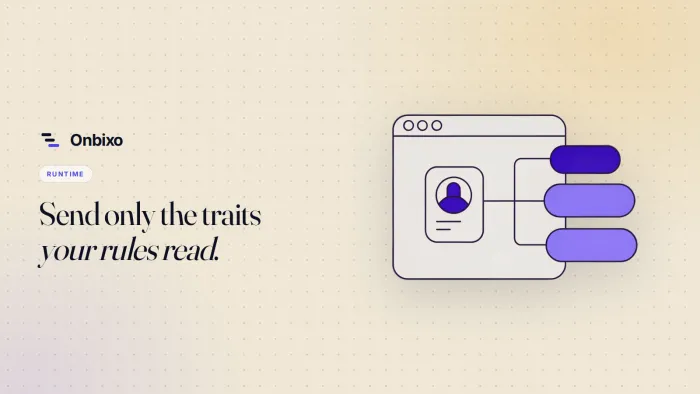
User traits for onboarding targeting: what to send
Which user traits to send an onboarding tool, and when to call identify. Skip what the runtime already knows, keep types consistent, fix the ordering.
Engineering
User traits for onboarding targeting: what to send
Which user traits to send an onboarding tool, and when to call identify. Skip what the runtime already knows, keep types consistent, fix the ordering.