CSS selectors for product tours that survive a deploy
Product tour steps break when a CSS selector stops matching. How to rank selectors, handle SPA timing and shadow DOM, and check one before you ship.
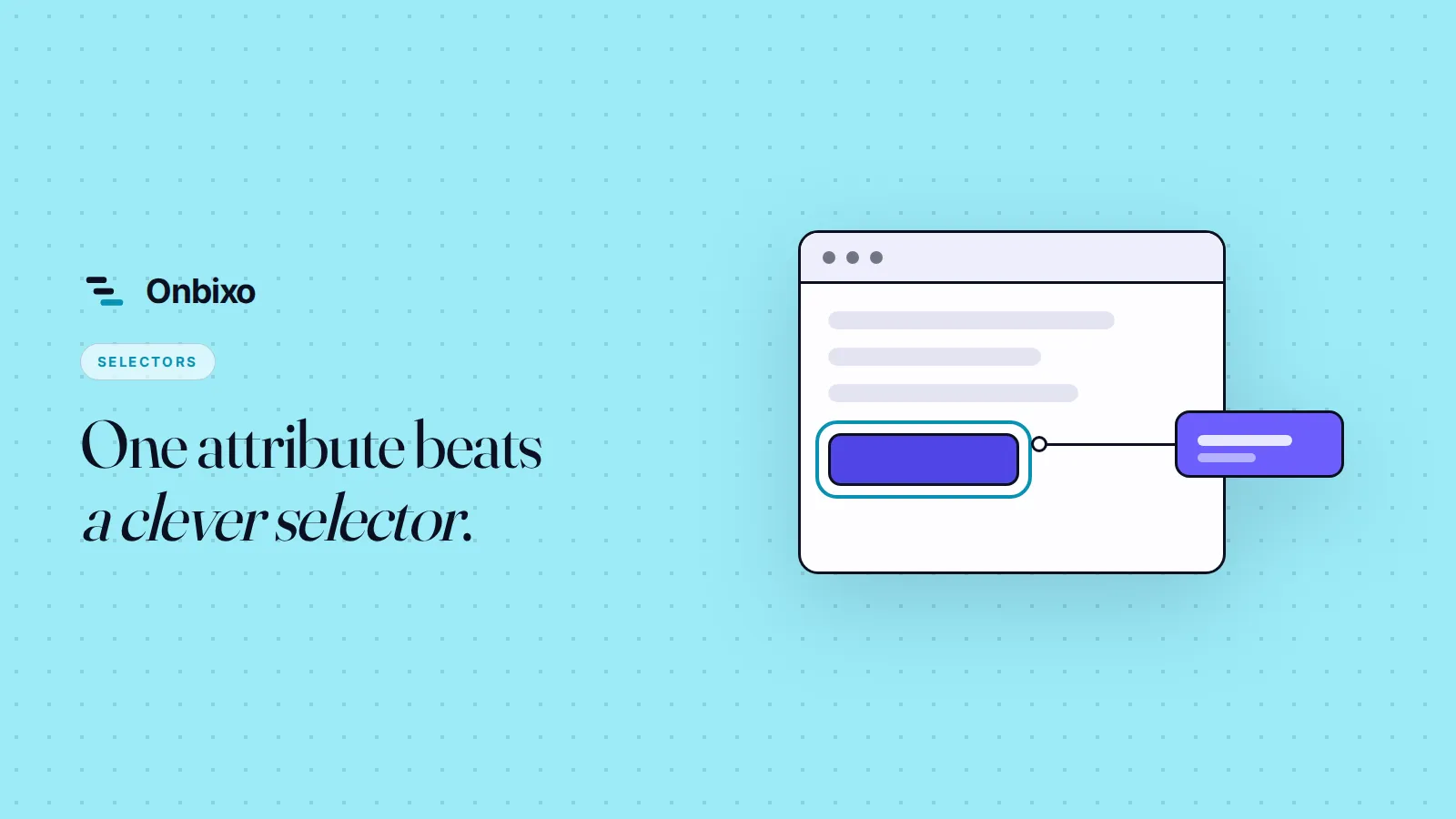
A product tour step breaks when the CSS selector it points at stops matching anything on the page. The fix is to point at what an element is, not at where it sits or how it is styled.
People say the tour broke. It almost never did. The runtime loaded, the flow ran, the step came up and found nothing to attach to. One string stopped matching. Everything else worked.
So the job is picking that string well.
Why do selectors stop matching?
Three causes, in roughly the order they bite you.
Generated class names. If you use a CSS-in-JS library, your class names are hashes produced at build time. The button you captured might have been .css-4mrg2x last Tuesday and .css-9xz3k1 after the next deploy. Nothing about your app changed. The selector still died.
Structure moved. A selector like div > div:nth-child(3) > button is a set of directions, not a name. Someone wraps that section in a flex container to fix spacing on mobile, and the directions now lead somewhere else.
The element is conditional. The "Create project" button only renders when the project list is empty. Or after the data comes back. It is not missing, it is just not there yet. That one is a timing problem and it gets its own section below.
Pick the selector in this order
Best to worst. Take the highest one available.
- An attribute you own.
data-tour="create-project", added by hand to the elements onboarding points at. It exists for one reason and nobody deletes it during a restyle. - An existing stable hook. A real
id, a formname, or adata-testidyour tests already depend on. If a test breaks when it disappears, it is not going to disappear quietly. - Text, scoped tightly. The button in the header whose label is "Create project". This survives redesigns and dies on copy edits and translation.
- Position in the DOM. Last resort. Use it to get a flow live today and replace it this month.
This is the same ranking test automation settled on years ago. Cypress tells you to add data-* attributes and rates targeting by class "bad, coupled to styling, highly subject to change". Your tour has exactly the same problem as an end-to-end test, so borrow the answer.
One rule covers most of it. If the selector would survive a redesign, it will survive a deploy.
<!-- before -->
<button class="css-4mrg2x btn btn-primary">Create project</button>

<!-- after -->
<button class="css-4mrg2x btn btn-primary" data-tour="create-project">Create project</button>
That is the whole change. One attribute per element you point at, five or six elements for most onboarding flows, one pull request.
In a single page app, the problem is timing
The element usually exists. It just does not exist at the moment the step runs.
Two things cause this. Data arrives after the first render, so the row your tooltip anchors to appears half a second late. And route changes in a single page app do not look like page loads. MDN is explicit that calling history.pushState() or history.replaceState() does not fire a popstate event. Anything listening for navigation the old way sees nothing happen.
So a tool that checks for the element once, at the moment the step opens, will work on your machine with a warm cache and fail for a user on hotel wifi. It needs to keep watching. A MutationObserver on the container, or a short retry window, is what turns "the tour is flaky" into "the tour works".
You can help it. Anchor the step to something that only appears once the screen is genuinely ready. The empty-state card, not the shell it renders into.
Shadow DOM and iframes are not the same problem
These look like selector failures and are not.
document.querySelector does not cross a shadow root. Elements inside a shadow DOM are deliberately hidden from the page's normal queries. If you are using a web component library, a design system built on custom elements, or a third-party widget, the thing you want to point at may be behind that wall.
An iframe is stricter. It is a separate document, and if it comes from another origin the browser will not let you look inside it at all. That is the same-origin policy doing its job.
This part does not resolve cleanly, and it is worth saying so. Sometimes there is no selector that works. Point at the container instead and write a step that explains what to do inside it. A tooltip beside the payment frame saying "enter your card details here" is not elegant. It is better than a step that silently never fires.
Check the selector before you ship it
Open your app, open the console, and run the selector yourself.
document.querySelectorAll('[data-tour="create-project"]').lengthYou want 1.
Zero means the selector is wrong, or the element has not rendered yet. Two or more means you will anchor to whichever one comes first in the document, and that is often not the one you meant. Duplicate matches are the reason a spotlight lands on a button in a collapsed sidebar.
Then check it somewhere other than your own screen. A cold load. A throttled connection. An account on a different plan, because trial users and paying users rarely see the same navigation.
Watch for the steps that fail quietly
Decide what should happen when an element cannot be found. Skipping the step is almost always right, because a broken step should not trap a user in a flow they cannot exit.
But skipping hides the failure. Nobody files a ticket about a tooltip they never saw.
So the deploy check is in your per-step numbers, not your inbox. A step that ran at 80% completion on Friday and 0% on Monday is not a copy problem. Someone renamed a class, and the fix takes ten minutes if you look this week and two hours if you look next quarter.
The move
Open your main onboarding flow. Write down every element it points at. It will be a shorter list than you expect. Add data-tour to each one in a single pull request, then repoint the steps at those attributes.
After that, selectors stop being a thing you think about.
If you would rather not hand-write them at all, the Onbixo builder extension captures a ranked set of selectors for each element instead of one fragile string, and flags it when a target sits inside a shadow DOM or an iframe as you capture it. Tour steps re-anchor as your app re-renders, and if a target genuinely cannot be found the step is skipped rather than breaking the flow. You can still type a selector by hand on any step when you want the exact one. Try it free.
New posts on activation, pricing, and the product - roughly twice a month. No spam, unsubscribe anytime.